What Is AI Remote Proctoring & How Can It Transform Online Exams?
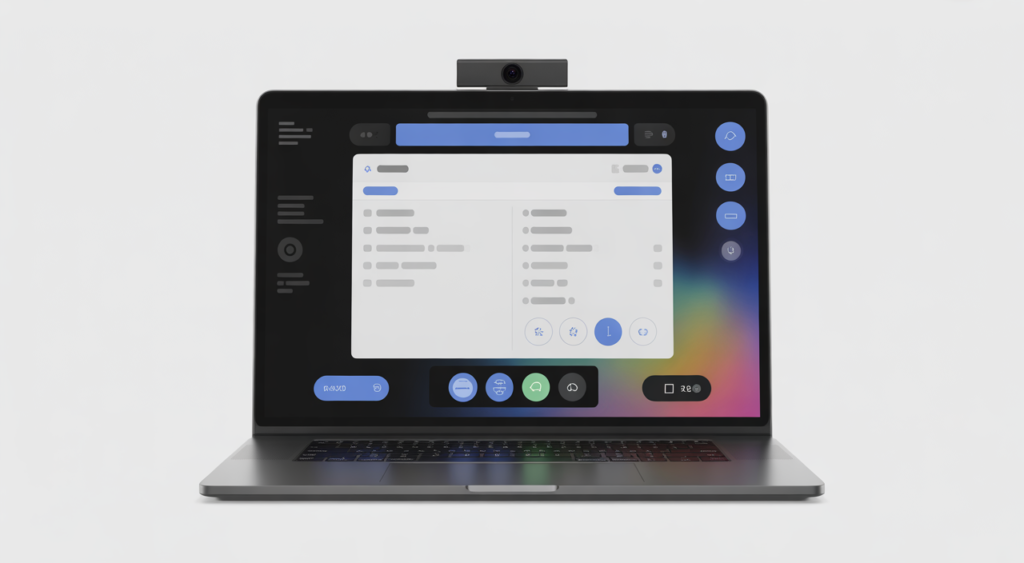
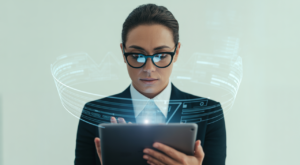
AI remote proctoring is changing how schools, certification bodies, and companies run online exams. In simple words, it uses smart software to watch tests, stop cheating, and protect exam integrity without needing hundreds of human invigilators. Modern platforms like ai remote proctoring help you scale exams securely while keeping costs under control.
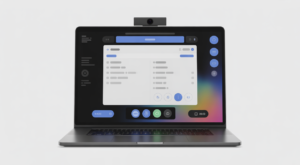
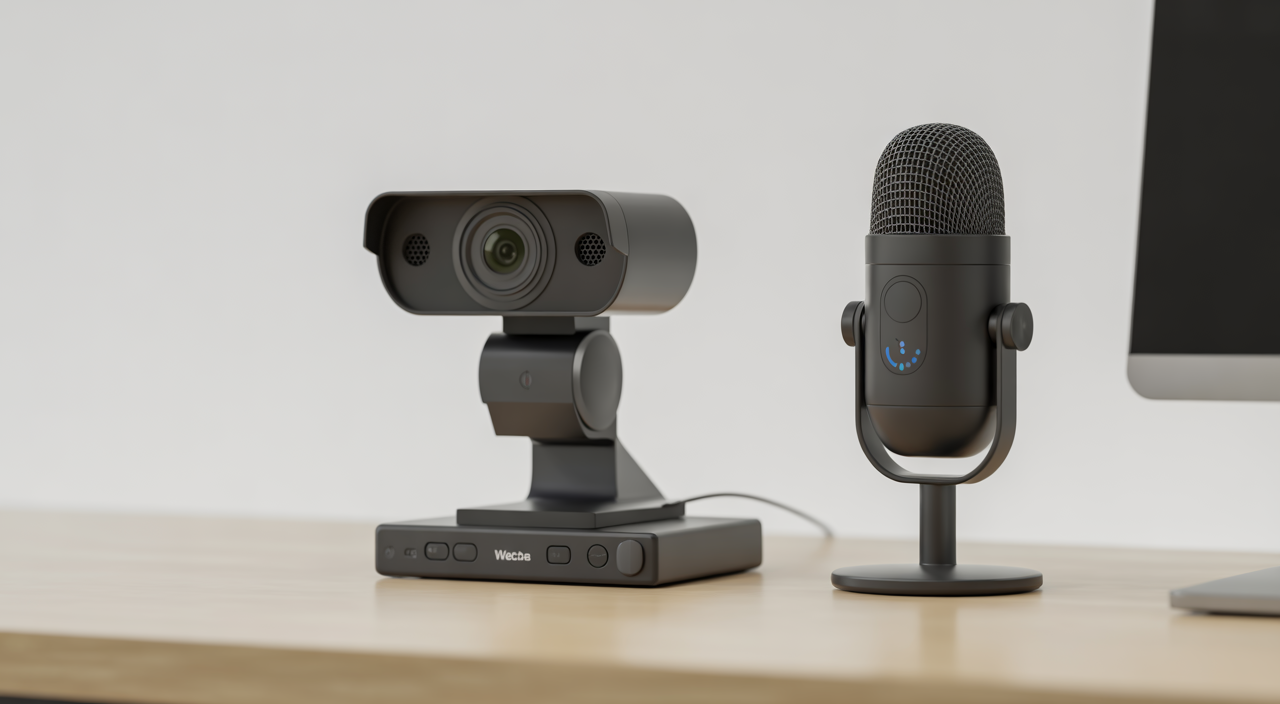
Instead of a person walking around a classroom, the system uses a webcam, microphone, and screen recording to keep an eye on test-takers. It flags any unusual activity, such as someone else entering the room, switching tabs, or looking away too often. Human reviewers or your internal exam team can then check these alerts later.
For Indian institutions and training companies, this is especially powerful. You can reach learners in any city or time zone, support large batches of candidates, and still maintain strict standards similar to a physical exam hall.
How AI Remote Proctoring Works, Step by Step
Think of it as a digital invigilator that never gets tired. During an exam, the software quietly runs in the background and performs a few key checks at once.
- Identity verification: The system captures a photo of the candidate and their ID and compares them. Some tools also use facial recognition to confirm that the same person stays in front of the camera.
- Behavior monitoring: The webcam and microphone watch for suspicious patterns, such as multiple people in the room, talking, or frequent eye movements away from the screen.
- Screen and browser control: With a browser lockdown, candidates cannot open new tabs, copy-paste, or visit other websites during the test.
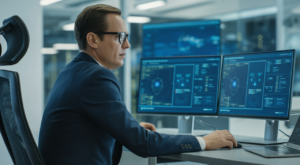
All of this gets converted into an “incident report” after the exam. Your team can quickly review flagged moments instead of watching full-length videos for every student.
Why Institutions Are Moving Toward AI-Based Proctoring
Traditional invigilation is hard to scale. You need a lot of staff, exam halls, and travel planning. This becomes even more complex if your candidates are spread across India or across the globe.
With automated exam monitoring, you can:
- Conduct exams at any time, including evenings and weekends
- Support thousands of learners without booking physical centers
- Reduce manual work for faculty and training managers
For Indian investors and decision makers, this shift also opens doors to new revenue models, such as fully online courses, professional certifications, and corporate assessments for remote employees.
Key Benefits of AI Remote Proctoring
1. Strong exam integrity
Cheating detection software can pick up on behaviors a human might miss, especially when monitoring many people at once. This includes multiple faces on camera, background voices, or repeated attempts to leave the test window.
2. Lower costs over time
You pay for the software and usage, but you save on venue rentals, travel, and large proctor teams. Once your system is set up, each additional candidate is much cheaper to handle.
3. Better scalability
Whether you have 50 or 5,000 candidates, the system handles them in a similar way. This is ideal for university entrance exams, semester tests, and corporate compliance training.
4. Flexible scheduling
Learners in different time zones or with busy job schedules can choose slots that work for them. That leads to better participation and happier candidates.
What About False Positives and Student Comfort?
One common worry is, “What if the software flags honest students?” This can happen when a student has a noisy household, low lighting, or a poor internet connection.
Good platforms reduce this risk by:
- Using multiple signals (face, sound, screen) before marking something suspicious
- Allowing human reviewers to approve or reject flagged events
- Offering a clear appeals process for students or candidates
For example, if a student briefly looks away to think, the system might mark it as “moderate risk,” but your reviewer can easily see it was harmless.
Data Privacy & Compliance Considerations
When you use online proctoring software, you collect sensitive data like photos, videos, and ID documents. Handling this safely is very important.
Look for solutions that:
- Use strong encryption for data in transit and at rest
- Store data securely with limited access controls
- Offer clear data retention policies and delete data on schedule
If you work with overseas learners, you may need to align with global rules like GDPR. Having a transparent privacy policy and secure infrastructure builds trust with students, parents, and corporate partners.
AI Remote Proctoring vs Human Proctoring
Human invigilators bring empathy and real-time judgement. However, they cannot watch many candidates at once with the same level of detail as a machine-learning proctoring system.
A balanced approach is popular today:
- Pure AI: Great for low to medium-stakes tests where cost and scale matter most.
- Hybrid (AI + human review): Ideal for high-stakes exams, where AI flags cases and humans do the final review.
This hybrid model gives you accuracy, cost savings, and fairness in one package.
How to Choose the Right Remote Proctoring Solution
When evaluating vendors, focus on practical points rather than just technical jargon. A few simple questions can guide your decision.
- Can it integrate smoothly with your LMS or exam platform?
- What features do you get, such as browser lockdown, ID verification, and detailed reports?
- How transparent are the pricing and data policies?
- Is the interface simple enough for non-technical staff and students?
For a broader look at how technology tools transform operations, you can read about streamlining business processes with digital platforms.
Practical Tips for Indian Universities & Training Companies
If you are planning to introduce AI-based exam oversight in India, start with a pilot. Test it on one course, one department, or one training program first.
- Run a small batch of exams using AI proctoring.
- Collect feedback from students and faculty.
- Tweak exam rules and communication based on this feedback.
Clear communication is key. Share simple guides, short videos, and FAQ documents so candidates know what to expect and how to set up their devices before exam day.
For more insight into how modern tools support decision-making and long-term planning, resources on planning effective learning environments can be helpful, even if your focus is higher education or corporate training.
FAQs on AI Remote Proctoring
Q1. Is AI remote proctoring safe for student privacy?
Yes, when you choose a reputable provider. Make sure the platform uses secure servers, encrypts data, and has a clear policy on how long videos and ID documents are stored. You should also inform candidates in advance about what data is collected and why.
Q2. What kind of internet and hardware do candidates need?
Most systems work well with a basic laptop or desktop, a webcam, microphone, and a stable internet connection. It is good practice to ask candidates to run a system check before the exam, close unnecessary apps, and sit in a quiet, well-lit room.
Q3. Can AI remote proctoring handle large national-level exams?
Yes. That is one of its main strengths. With the right setup, you can host thousands of candidates at once, in different cities and time zones, while still keeping a complete audit trail and secure monitoring for every test-taker.